
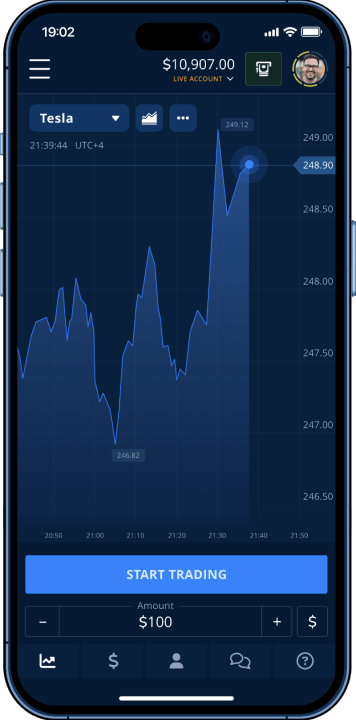
How to Log in to Pocket Option
The login procedure varies slightly depending on your chosen access method. Web browsers offer the most features, while mobile applications provide convenience for active traders who monitor markets throughout the day. If you don’t have an account, first complete the simple registration on PocketOption.
Web Platform Login
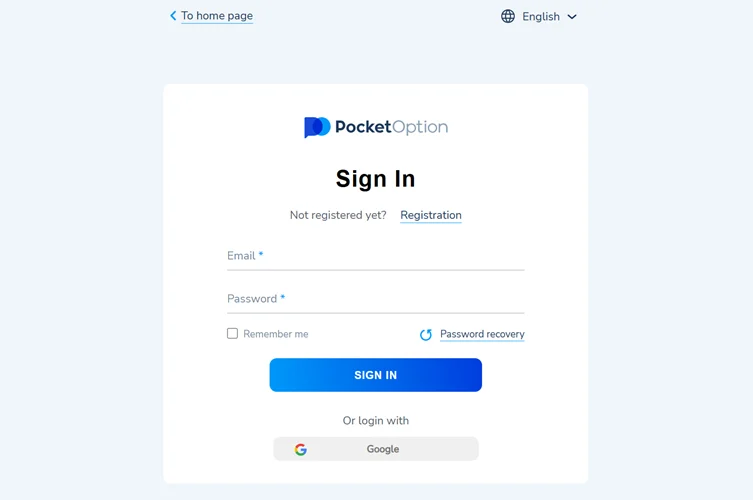
Accessing Pocket Option through desktop browsers follows this sequence:
- Go to the official site. Click "Log in" in the top right corner.
- Enter your email and password.
- Confirm access if asked (CAPTCHA or 2FA code).
- You’re in — the trading dashboard will open.
Browser compatibility extends to recent versions of major platforms including Microsoft Edge and Opera. Clearing cache and cookies resolves most login difficulties related to stored data conflicts. The “Remember Me” checkbox saves credentials for future sessions but should only be used on personal devices.
Social Media Login Options
Google integration streamlines the authentication process for users who prefer OAuth connections. This method handles password management while sharing only minimal profile information with Pocket Option. Social login reduces forgotten password issues but requires an active Google account.
Note: Login via Facebook is no longer supported — Google is the only available social login option.
Mobile App Login and Trading on the Go
Mobile applications deliver full trading functionality with optimized interfaces for smaller screens. Android and iOS versions maintain feature parity with desktop platforms while adding push notifications for price alerts and market news.
Official Mobile Applications
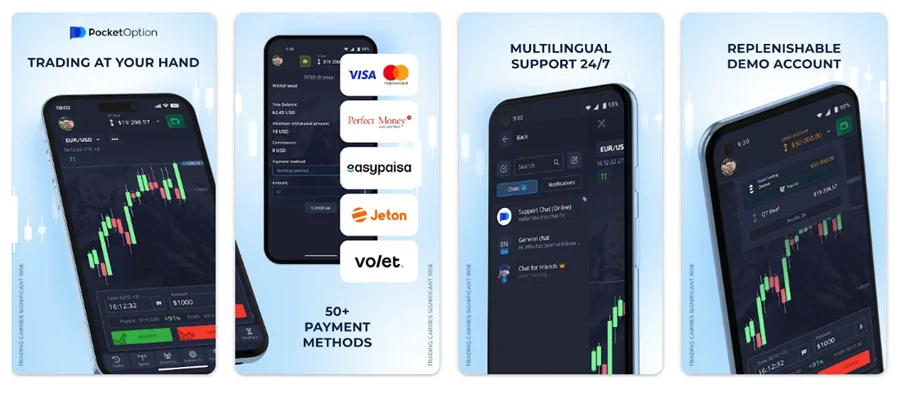
| Platform | App Name | Download Source | Key Features |
|---|---|---|---|
| Android | Pocket Option | Google Play Store / APK | Full trading suite, real-time charts, deposit management |
| iOS | PO Trade | Apple App Store | Touch ID support, optimized interface, instant notifications |
APK downloads provide alternative installation methods for Android users in regions where Google Play Store restricts the application. Manual installation requires enabling “Unknown Sources” in device security settings. iOS users must download exclusively through Apple App Store due to platform restrictions.
Mobile Login Process
Smartphone access follows similar steps with touch-optimized controls:
- Download the official application – Search “Pocket Option” in your device’s app store
- Launch and select Login –
- Tap the login button on the welcome screen
- Input account credentials – Use virtual keyboard to enter email and password
- Verify account status – Complete any pending verification requirements
Mobile applications cache login information securely using device encryption. Automatic logout timers protect accounts when phones are lost or stolen. Push notifications require permission during initial setup but can be customized later through app settings.
Troubleshooting Login Issues and Account Security
Technical problems occasionally prevent account access despite correct credentials. Understanding common issues and their solutions minimizes trading downtime during volatile market conditions.
Common Login Problems and Solutions
| Problem | Typical Cause | Recommended Solution |
|---|---|---|
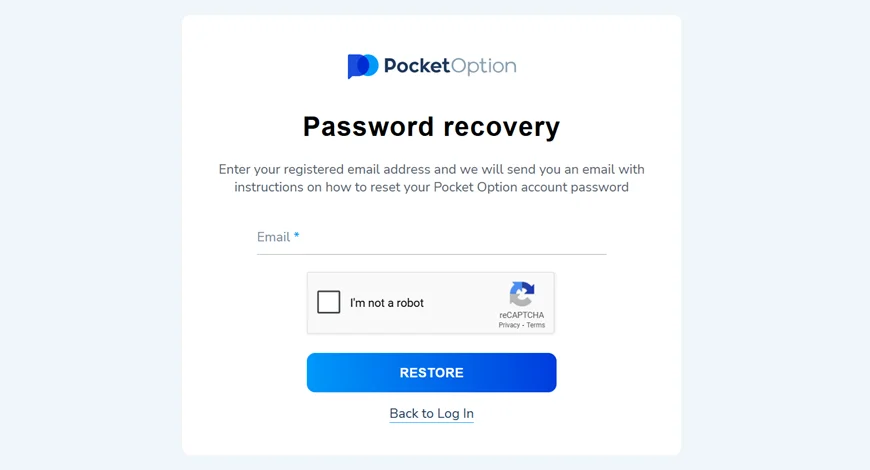
| Forgotten Password | User memory lapse | Use password recovery via email reset |
| Account Temporarily Blocked | Multiple failed attempts | Wait 15 minutes or contact support |
| Two-Factor Authentication Issues | Phone/app unavailable | Enter backup verification codes |
| Regional Access Denied | Geographic restrictions | Verify current location compliance |
Password recovery emails arrive within 2-3 minutes under normal conditions. Check spam folders if messages don’t appear in primary inbox. Reset links expire after 24 hours for security purposes. Account blocks typically last 15-30 minutes but may extend longer for repeated violations.
Advanced Security Features
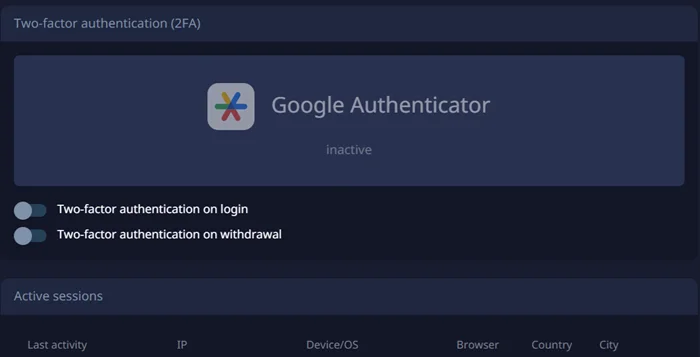
Two-factor authentication (2FA) adds crucial protection beyond standard passwords. Google Authenticator generates time-based codes that change every 30 seconds. SMS verification offers an alternative but depends on cellular network availability.
Security best practices include:
- Regular password updates – Change credentials every 3-6 months
- Unique trading passwords – Never reuse login information from other websites
- Session monitoring – Log out completely when using shared computers
- Activity reviews – Check account logs weekly for unauthorized access attempts
Backup authentication codes should be stored safely offline. These one-time passwords work when primary 2FA methods fail. Print codes on paper rather than saving digital copies that hackers might access.
This article is part of our broker materials – for more details, visit the dedicated Pocket Option page, which is regularly updated.
FAQ - PO Trade Login
Standard login completes within 10-15 seconds with stable internet connections. Two-factor authentication adds approximately 30 seconds for code generation and entry.
Yes, the platform implements banking-level SSL encryption and mandatory identity verification. New traders should enable 2FA immediately after account creation for maximum protection.
First, verify your email and password accuracy. Clear browser cache, try incognito mode, or switch to mobile app. Contact customer support if problems persist beyond 30 minutes.
Account access is permitted across unlimited devices, but only one active session is allowed per account. Logging in from a new device automatically signs out previous sessions.